OUR PRODUCTS
Uberr Clone AppGojek Clone AppSuper App DevelopmentUberr Eats Clone AppGrocery App DevelopmentHandyman App Like Uberr
inDriver Clone AppDelivery App DevelopmentGlovo Clone AppBolt Clone AppLyft Clone AppCareem Clone App
OUR PRODUCTS

← Back to Blog
September 10, 2026
A practical guide to the core fleet management capabilities delivery businesses need to coordinate drivers, vehicles, routes, orders, and customer updates.
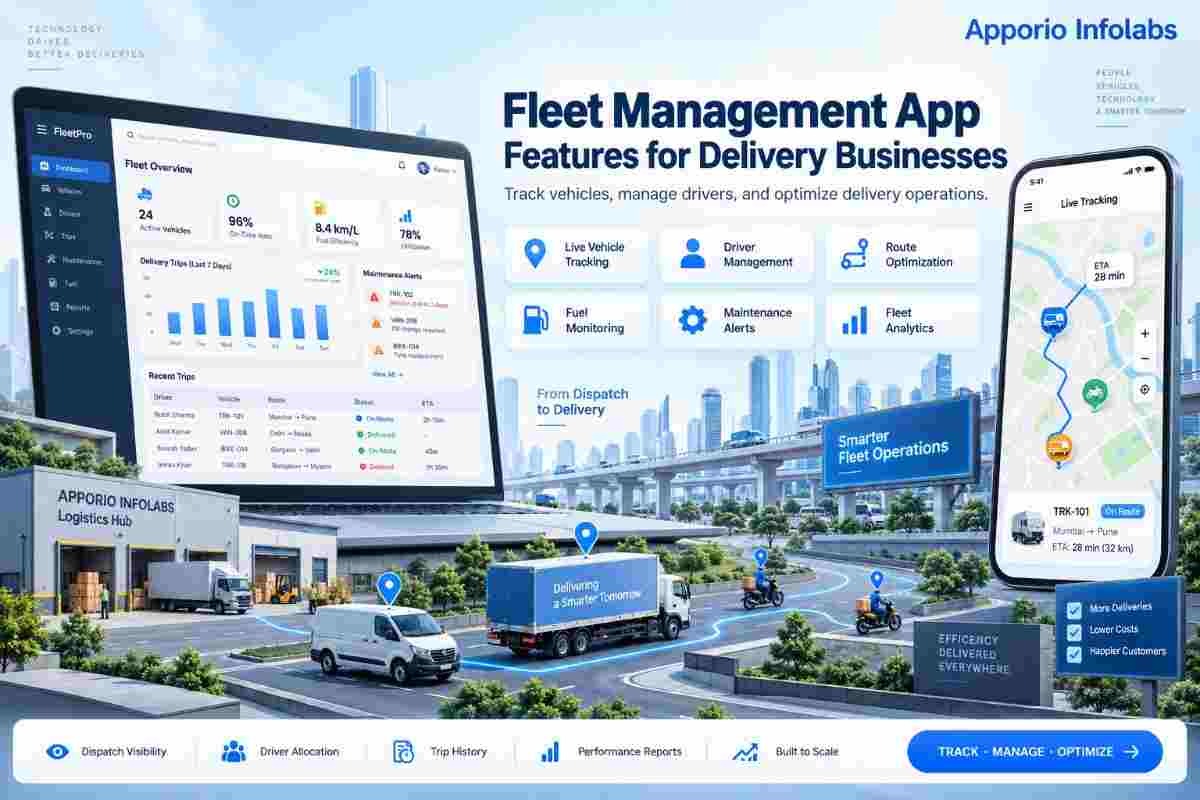
Delivery businesses depend on timing, vehicle availability, driver coordination, and accurate order information. As order volumes increase, spreadsheets, phone calls, and separate tracking tools make it harder to see what is happening across the fleet. The right fleet management app features give dispatchers, drivers, customers, and business owners a shared operating view.
A delivery platform should do more than display vehicle locations. It needs to connect orders with drivers, recommend practical routes, monitor delivery progress, capture proof of completion, and help managers identify delays before they become customer complaints. These functions are relevant to grocery delivery, food delivery, courier services, pharmacy delivery, retail logistics, and multi-service platforms.
This guide explains which capabilities matter, how they fit into a delivery workflow, what to prioritize in an MVP, and which implementation mistakes can create operational problems later. The focus is on product decisions that affect dispatch quality, delivery costs, driver adoption, and customer trust.
A fleet management app is a connected software system used to coordinate delivery vehicles, drivers, orders, routes, and operational data from one platform. It normally includes a driver application, an operations or admin dashboard, and customer-facing tracking or notification functions.
The system receives delivery orders, checks vehicle and driver availability, assigns work, monitors active trips, records delivery events, and stores operational information for reporting. GPS data comes from the driver's mobile device or a connected tracking device. The app then displays location and status information to authorized users.
For a delivery operator, this is different from a basic map application. A map can show directions, but it does not normally manage order queues, driver shifts, delivery zones, failed attempts, vehicle documents, service times, or performance records. Fleet software connects these business rules to location data.
Delivery operations contain many moving parts. A customer order may pass through a store, warehouse, dispatcher, driver, payment system, and support team before it is complete. A delay at one stage can affect every later delivery assigned to the same vehicle or driver.
Centralized fleet software reduces information gaps. A dispatcher can see whether a driver is available, already carrying an order, paused, offline, or approaching a destination. This visibility supports better assignments than relying on manual calls or assumptions about driver location.
The commercial value comes from operational control rather than from the app alone. Better assignment decisions can reduce unnecessary distance and idle time. Clear status events can reduce support queries. Digital delivery records can help resolve disputes. Historical data can also show which zones, time periods, vehicles, and delivery types create the most pressure on the operation.
Local requirements still matter. A business operating across Africa, Southeast Asia, Europe, or North America may need different currencies, languages, map providers, payment methods, address formats, data policies, and driver verification processes. The product should support configuration by market instead of assuming that one operating model fits every location.
Assignment rules can consider driver availability, current location, vehicle type, delivery zone, order priority, capacity, and working hours. This gives dispatchers a repeatable method for allocating work. Manual dispatch may still be necessary for unusual situations, but routine jobs can follow defined rules.
Customers want practical information: has the order left the facility, is the driver nearby, and what should they do if they miss the delivery? Push notifications, SMS, email, or in-app updates can communicate these milestones. The business should control notification timing so customers are not flooded with low-value messages.
When order status, trip activity, driver notes, and proof of delivery are stored in one system, support and operations teams spend less time reconciling separate records. Automated status changes can also reduce repetitive data entry, provided the event rules are tested carefully.
Utilization reporting shows whether vehicles are moving, waiting, underused, or carrying too few orders. Managers can use this information when planning shifts, delivery zones, maintenance windows, and fleet expansion. It does not replace operational judgment, but it gives that judgment better evidence.
Role-based access, driver activity records, location events, and delivery evidence create an audit trail. This can be useful when investigating a missing parcel, disputed delivery, unauthorized status update, or unexpected route deviation. Access to sensitive information should be limited to the people who need it.
Businesses planning a broader delivery platform can review Delivery App Development options alongside fleet requirements. For more complex transport workflows, Logistics App Development can cover the wider movement of orders and assets.
Live location tracking is the foundation of delivery visibility. The driver app should send location updates at an appropriate frequency without consuming excessive battery or mobile data. The operations dashboard should show active vehicles, last update time, delivery status, and whether a device has gone offline.
Each driver record can include contact information, status, assigned region, working hours, verification details, and activity history. Vehicle records may include registration information, type, capacity, ownership, maintenance dates, and required documentation. Expiry reminders help teams address compliance tasks before a vehicle or driver becomes unavailable.
Dispatchers need to assign individual orders, batches, or delivery routes. Rules can prioritize proximity, promised delivery time, vehicle capacity, service area, or driver skills. A manual override is important because real operations include road closures, customer requests, vehicle problems, and high-priority orders.
Route planning should support single-order and multi-stop work. The system can compare destination sequence, distance, estimated travel time, delivery windows, and service time at each stop. Route recommendations should remain editable because map data and local road conditions are not always accurate.
Define clear statuses such as assigned, accepted, picked up, in transit, arrived, delivered, failed, cancelled, and returned. Each status should have an owner, a trigger, and an expected next action. Clear workflows prevent a driver from marking an order complete before the required evidence is collected.
Proof may include a photograph, recipient signature, one-time passcode, barcode scan, geolocation, timestamp, or recipient name. The required method should depend on the delivery category and local operating conditions. The app should make evidence capture fast, because complicated forms encourage skipped steps.
In-app chat, masked calling, delivery notes, and support escalation help drivers resolve customer or order issues without exposing unnecessary personal information. Communication records should be linked to the relevant order where possible, making later investigation easier.
Customers and operations teams need updates when an order is accepted, collected, delayed, nearby, delivered, or marked unsuccessful. Estimated arrival times should be treated as estimates, not promises. If the calculation changes materially, the system should provide a useful update rather than displaying stale information.
Delivery businesses may support online payment, cash on delivery, wallet balances, or business account billing. The system should record payment status separately from delivery status. For cash operations, drivers need a clear collection record and managers need reconciliation reports.
Useful reports can cover on-time delivery, failed attempts, average delivery duration, distance per order, idle time, active driver count, vehicle utilization, cancellation reasons, and support incidents. Reports should allow filtering by date, zone, driver, vehicle, order type, and service category.
Businesses using data science for demand forecasting or dispatch assistance can also assess Artificial Intelligence services. Automation should support dispatchers, not hide the reasons behind important assignments.
Drivers may work in areas with poor coverage or unstable mobile data. The app should cache essential job information, queue status updates, and synchronize records when the connection returns. It should also show the driver whether an action was submitted, saved locally, or failed.
Road-facing workflows must be simple. Use large controls, clear labels, minimal typing, and a small number of required steps. Drivers should not have to navigate through several screens to report arrival or capture delivery evidence.
Location data, customer addresses, contact details, payment records, and proof images require careful access control. Apply authentication, permission checks, secure data transmission, and audit logging. A dedicated Cyber Security review can help identify weaknesses before launch.
Assignment rules, delivery zones, service windows, cancellation policies, and notification triggers should be configurable rather than buried in screen code. This makes it easier to adapt the platform for different countries, clients, or service categories.
Do not judge the system only by downloads or login counts. Track operational measures such as assignment time, acceptance rate, on-time performance, failed delivery rate, average idle time, support contacts per order, and proof-of-delivery completion. Compare trends by zone and delivery type.
Map services, payment providers, identity checks, notification services, warehouse systems, and order platforms can affect architecture. Confirm API limits, data formats, webhooks, failure handling, and commercial terms before finalizing the build plan.
Continuous location tracking can affect driver experience. Use sensible update intervals, background location policies, and configurable tracking modes. The right balance depends on delivery speed, safety requirements, route complexity, and local network conditions.
A basic tracking tool answers one question: where is the vehicle? A delivery fleet platform addresses a larger operational cycle, from order assignment to delivery evidence and reporting. The correct choice depends on the complexity of the business, but the difference is important when several drivers, service zones, or delivery types are involved.
| Capability | Basic tracking tool | Delivery fleet platform | Best fit |
|---|---|---|---|
| Location visibility | Vehicle position | Vehicle position linked to driver, order, and status | Any operation needing delivery oversight |
| Dispatch | Usually manual | Rules-based and manual assignment | Businesses with multiple active orders |
| Delivery evidence | Limited or unavailable | Photos, signatures, codes, scans, and timestamps | Parcel, grocery, pharmacy, and high-value delivery |
| Customer updates | Basic or external | Status notifications and estimated arrival information | Consumer-facing delivery services |
| Analytics | Location history | On-time rate, idle time, utilization, failures, and delivery trends | Managers improving operational performance |
| Exception handling | Often handled outside the tool | Reassignment, cancellation, return, reschedule, and escalation workflows | Growing or multi-zone operators |
The most valuable fleet management app features are the ones that connect daily delivery work: GPS tracking, driver and vehicle records, dispatch rules, route planning, status workflows, proof of delivery, notifications, payments, and reporting. A strong product plan starts with the actual operating process, then adds automation where it reduces avoidable work without removing dispatcher control.
Apporio Infolabs can support businesses planning On Demand Mobile App Development, Delivery App Development, Logistics App Development, and Cyber Security for a delivery operation. The right scope will depend on service type, geography, fleet size, integrations, and the level of control required.
The core capabilities are GPS tracking, driver and vehicle profiles, order assignment, route planning, delivery status updates, proof of delivery, customer notifications, payment recording, and operational reporting. The priority can change based on the delivery category and market.
Usually, yes. A driver application provides job details, navigation, status controls, communication, and proof-of-delivery tools. Keeping these functions in a driver-focused interface is more practical than asking drivers to use an admin dashboard.
It can, provided the product is designed for configurable zones, currencies, languages, address formats, payment methods, notification rules, and local operating policies. Market-specific settings should be separated from the core delivery workflow.
Route planning considers destination sequence, travel distance, estimated time, delivery windows, vehicle capacity, and service time. It can help dispatchers organize multi-stop work, but manual adjustment remains necessary for road closures, customer changes, and exceptional orders.
An MVP should normally include driver onboarding, order assignment, GPS location updates, delivery statuses, customer notifications, proof of delivery, support escalation, and basic reports. Advanced forecasting and complex automation should be added after the core workflow is reliable.
Use authentication, role-based permissions, secure data transmission, audit logs, controlled data retention, and clear access policies. Regular security reviews and careful handling of location, address, contact, payment, and delivery evidence data are important.